Video Preview
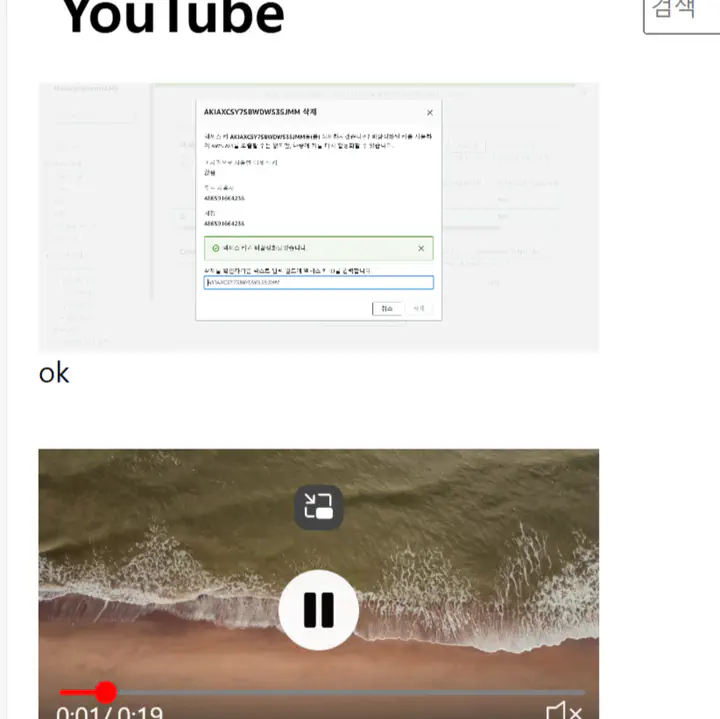
One of the best user experiences on YouTube is the video preview feature. When hovering over a video thumbnail, users can see a preview of the video without entering the detailed video page, and even control the playback bar directly on the current page.
Other video streaming services provide previews in the form of GIFs when hovering over thumbnails, showing key scenes. However, unlike YouTube, they don’t allow the user to interact with the video’s playback bar directly during the preview.
In this functionality, when the cursor hovers over the thumbnail, the thumbnail is replaced by a loaded video that automatically starts playing. When the cursor moves away, the video stops, and the thumbnail reloads. However, there’s more to this mechanism.
A challenge arises when the cursor moves too quickly over multiple thumbnails within a second. In such a case, each thumbnail would need to load its corresponding video and, once the cursor leaves, unload the video and reload the thumbnail. This could result in a situation where previews continue playing even after the cursor has left.
To avoid this issue, an additional constraint is likely applied by YouTube, which I also implemented: the preview only starts if the cursor stays on the thumbnail for at least one second.
By adding this delay, I was able to address performance issues and successfully implement a clean, efficient video preview feature in my project.